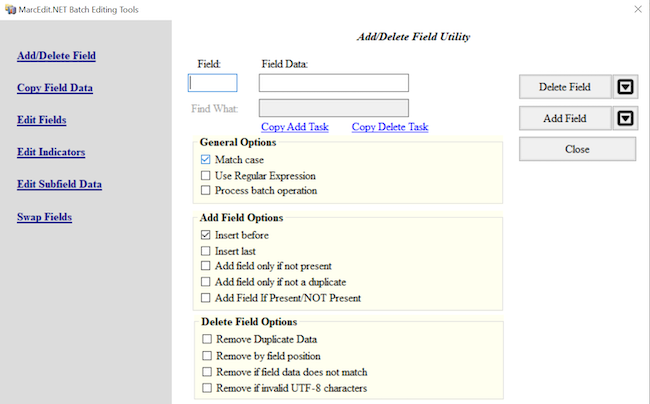
Image 1 of 2: ‘MarcEdit Add/Delete Field Utility without any data entered in the Field or Field Data boxes’
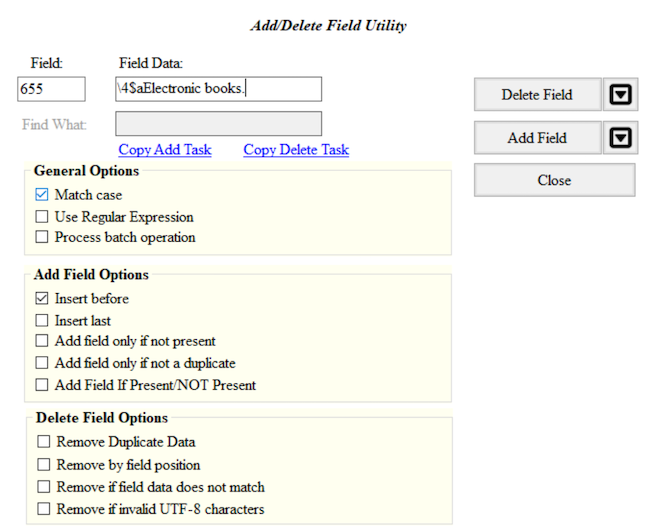
Image 2 of 2: ‘MarcEdit Add/Delete Field Utility with 655 entered in the Field box and \4$aElectronic books. entered in the Field Data box’
Figure 2
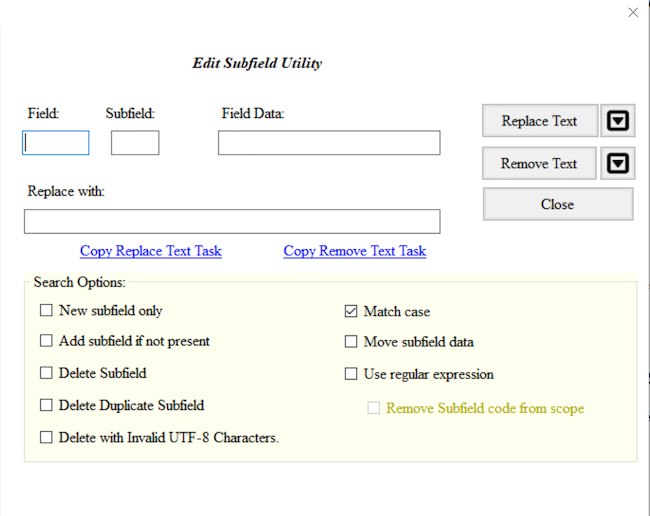
Image 1 of 2: ‘MarcEdit Edit Subfield Dialog with no data entered in the Field, Subfield, Field Data or Replace with boxes’
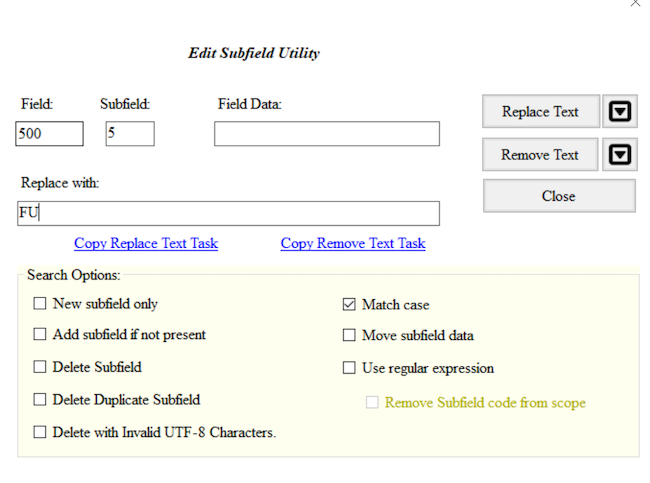
Image 2 of 2: ‘MarcEdit Edit Subfield Dialog with 500 entered in the Field box, 5 entered in the Subfield box and FU entered in the Replace with box’
Figure 3
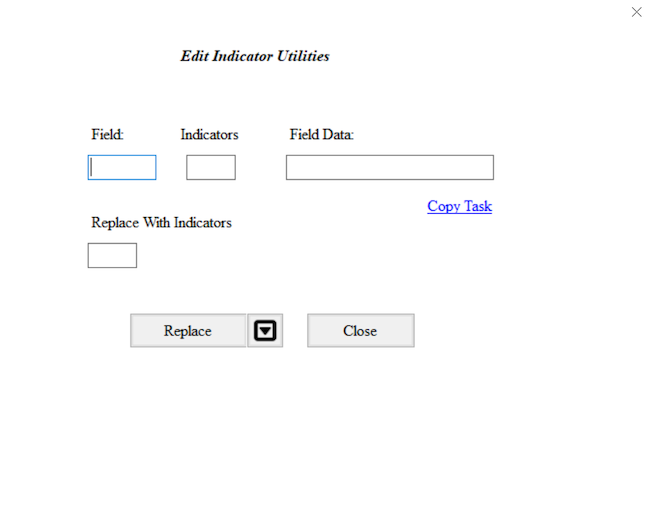
Image 1 of 2: ‘MarcEdit Edit Indicators dialog with no data entered in the Field, Indicators, Field Data or Replace With Indicators boxes’
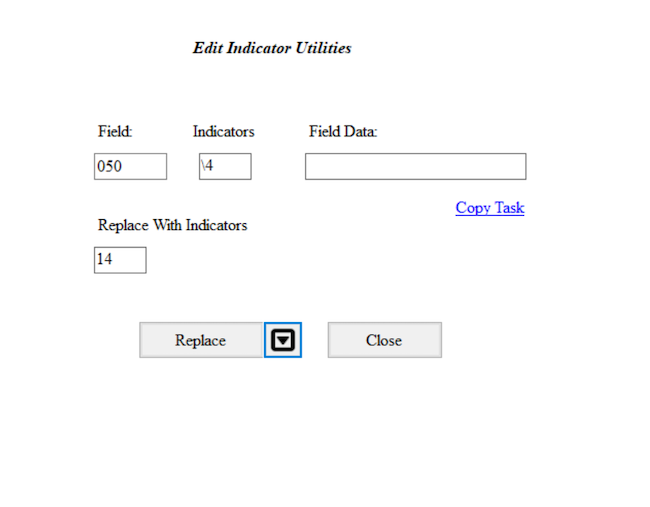
Image 2 of 2: ‘MarcEdit Edit Indicators dialog with 050 entered in the Field box, \4 entered in the Indicators box, and 14 entered in the Replace With Indicators box’