
Advanced editing
Last updated on 2026-04-17 | Edit this page
Overview
Questions
- How to automatically add statements with sourcemd and quickstatements?
Objectives
- Be familiar with some tools for editing, e.g. TABernacle, Wikidata Games, QuickStatements, Source MetaData or Author Disambiguator/Author resolver.
4.1 Disclaimer
The tools are under heavy development and due to that they might change or don’t work as expected. If that happens just move on to the next episode.
4.2 Introduction
So now we will work in the productive version. We will use DOI to automatically put an article into Wikidata via sourcemd. If you are familiar in Life Science you can use our example with PubMed for finding DOIs of new article, optional you can choose an journal related to your scientific field. Sourcemd gets it metadata from Crossref, also look to sourcemd:instructions
Potential open access journal:
4.3 Adding statements via sourcemd and quickstatements
Go to pubmed, scroll
down to “latest literature” and select an article: 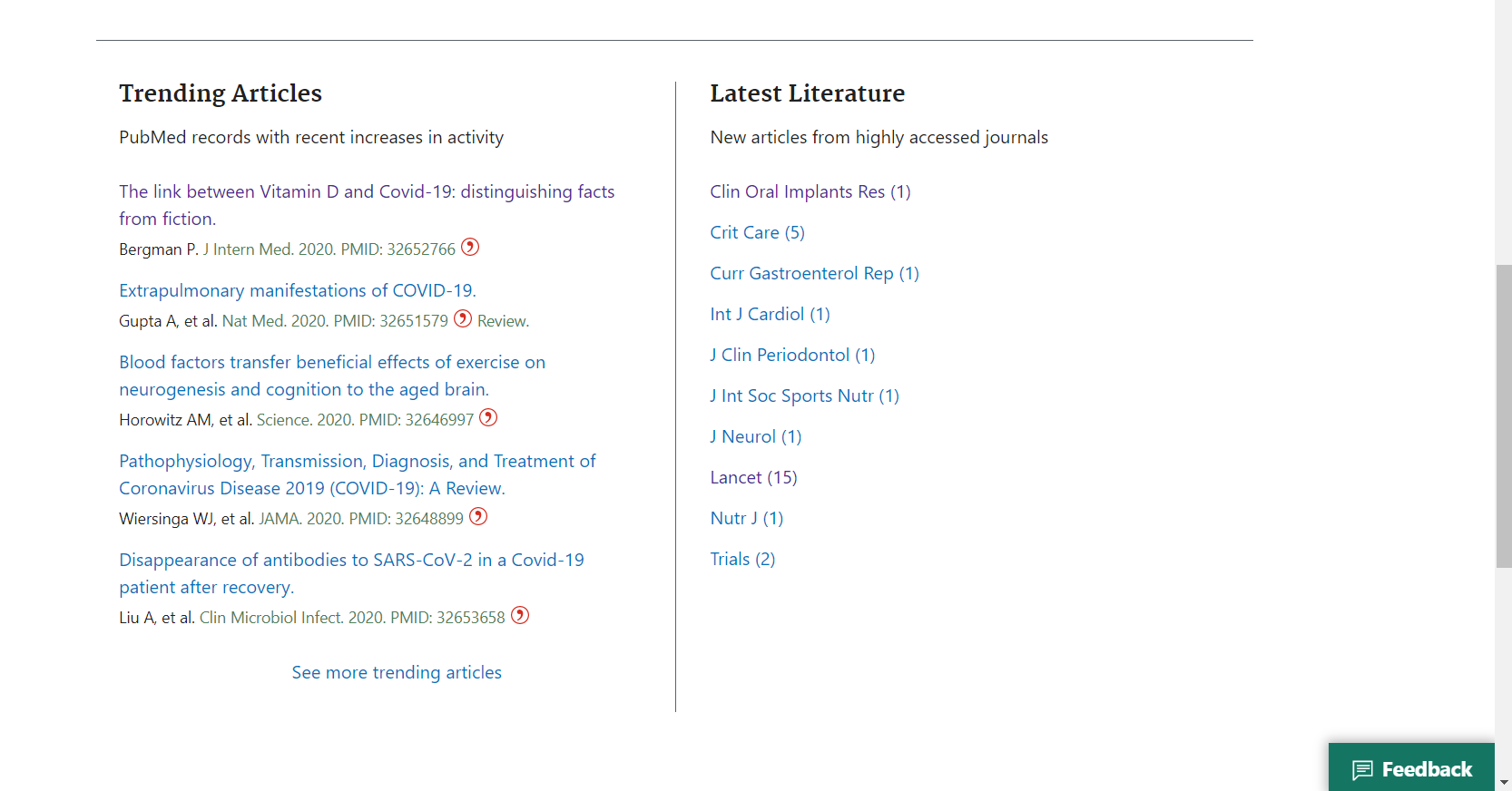
Save the DOI, PMID or PMCID of the article:
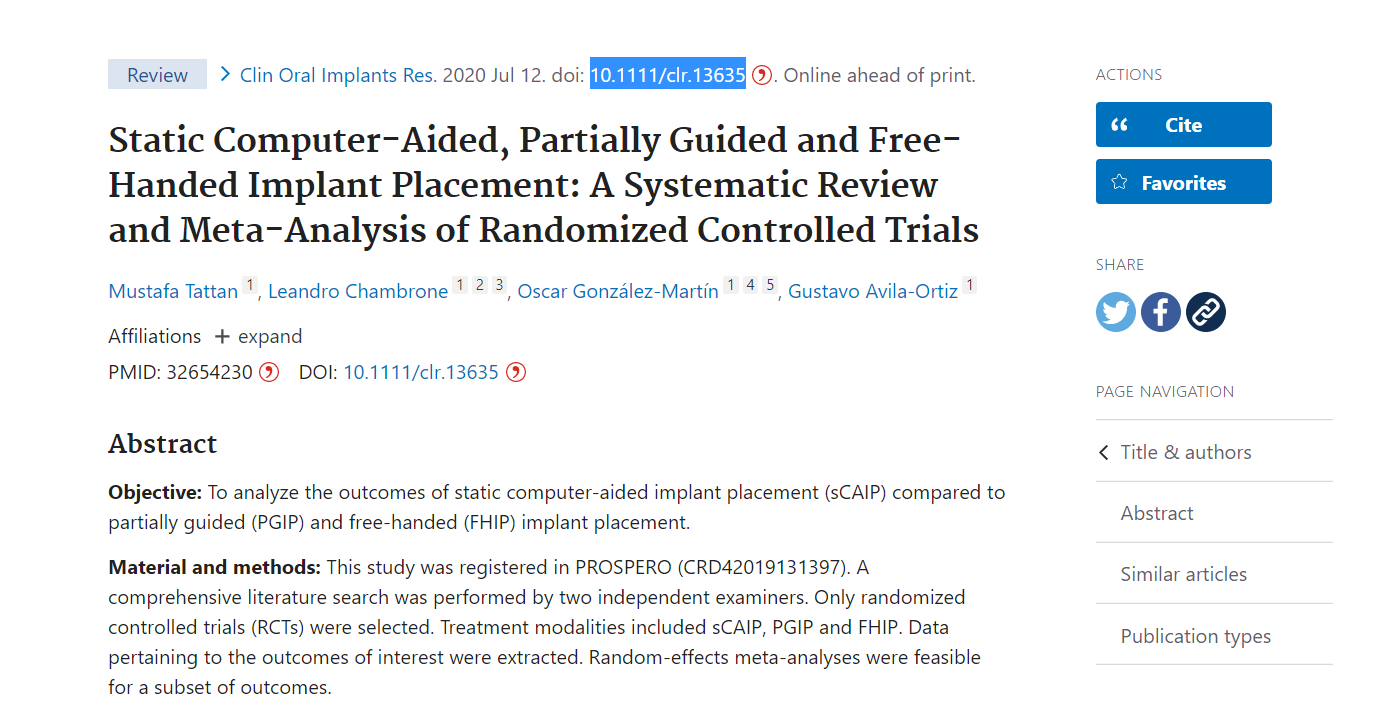
Go to sourcemd and paste the DOI or PMID into the search field:
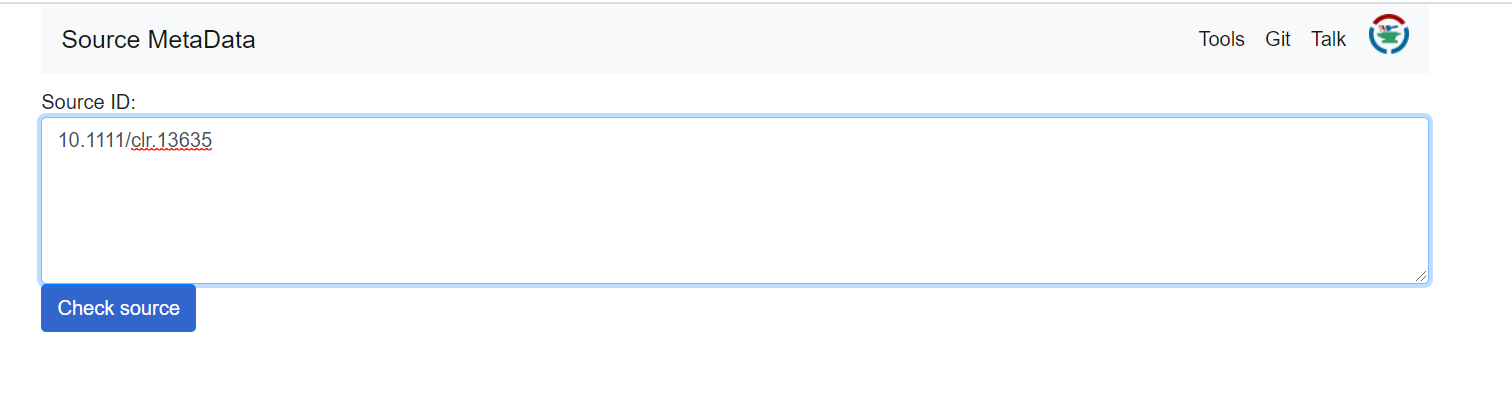
Click on “check source”. Now you can see automatically generated statements including meta data of the article like author names or date of publication. Click on “Open in QuickStatements”.
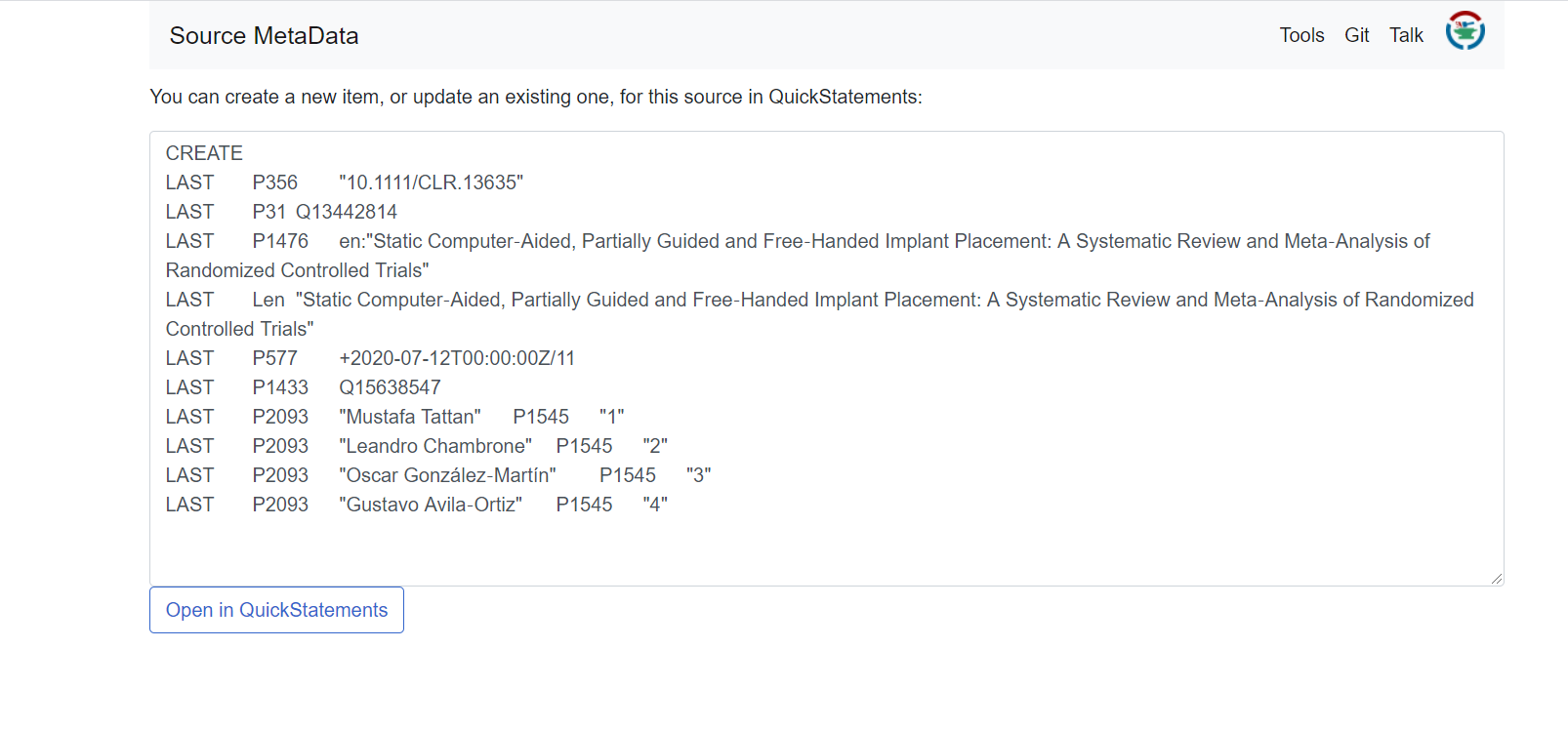
A new window with QuickStatements will pop up. Now you’ll get an overview of the new item and its statements. Confirm the changes by hitting the the “run” button:
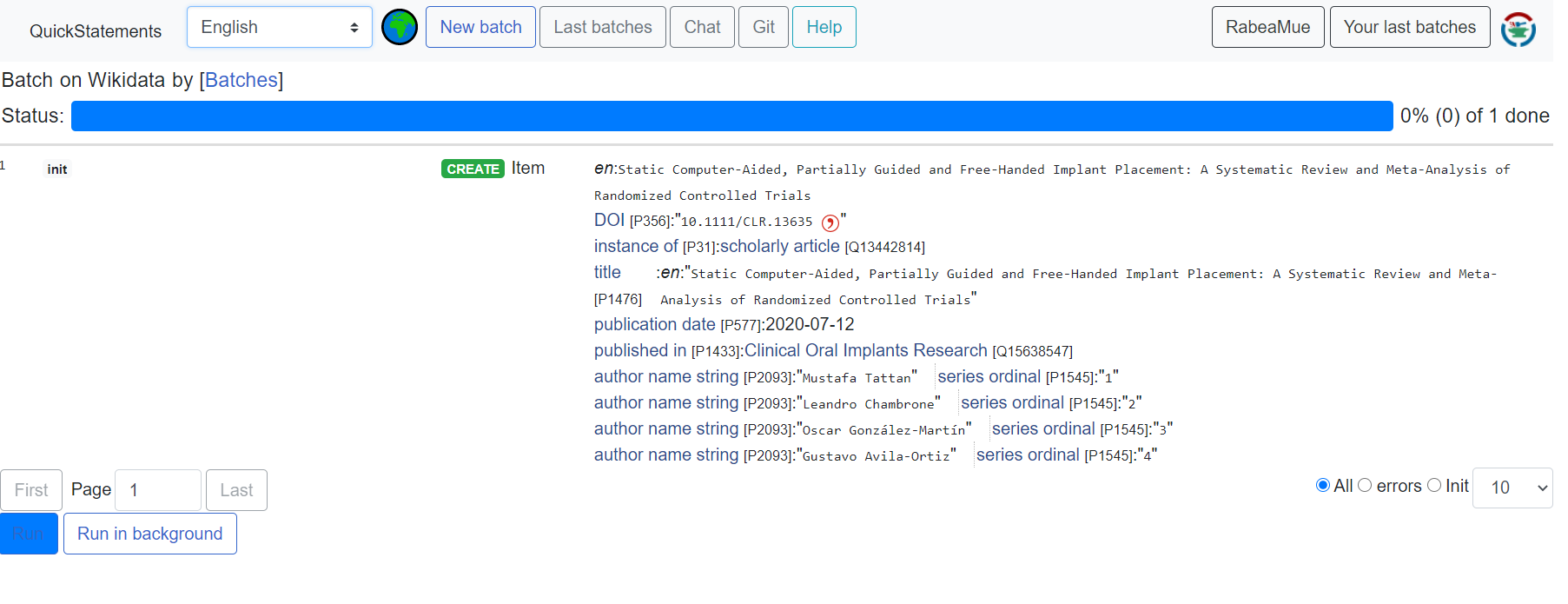
4.4 (OPTIONAL) Converting “author strings” to “author”
When bibliographic data is imported into Wikidata in bulk, author names are often stored as plain text strings using the property author name string (P2093) rather than as linked Wikidata items using author (P50). Converting these strings to proper linked author items makes the data much more useful — for example, it enables tools like Scholia to generate complete researcher profiles.
Finding author strings
You can find author strings that need disambiguation using this query collection maintained by the Foerstner Lab:
You can also access your own Scholia profile’s curation page by
appending /missing to your Scholia author URL, e.g.:
https://scholia.toolforge.org/author/Q18921408/missing
Using the Author Disambiguator
The Author Disambiguator is a tool that helps you convert author name strings (P2093) to linked author items (P50). To use it:
- Go to https://author-disambiguator.toolforge.org/ and log in with your Wikimedia account.
- Enter an author name in the search field. Use natural order (Given name Family name).
- The tool will display a list of publications in Wikidata that have this name as an author string.
- Check the publications that belong to this author.
- Select the corresponding Wikidata author item from the list of potential matches at the bottom, or create a new one if needed.
- Click “Link selected works to author” to replace the string with a proper linked item.
- Sourcemd and QuickStatements allow you to automatically add bibliographic metadata from DOIs or PMIDs to Wikidata.
- The Author Disambiguator tool can help convert unstructured author strings to linked Wikidata items.
- Tools for advanced editing are under active development and may change or be temporarily unavailable.